

Articulate Localization
Machine translation vs. review
Why the click is not enough
This article compares machine translation and human review in the context of Articulate Localization to help you decide what belongs where in your workflow. It explains when machine translation can save time and when human review is indispensable for quality, consistency, and release readiness.
In short: machine translation can accelerate the initial draft, but it cannot replace careful terminology management, linguistic review, and functional QA in Storyline or Rise.
This is Post 2 of 5 on our deep-dive series on Articulate Localization in Storyline and Rise. Click on the button to go back to the overview.
What Articulate Localization delivers in translation
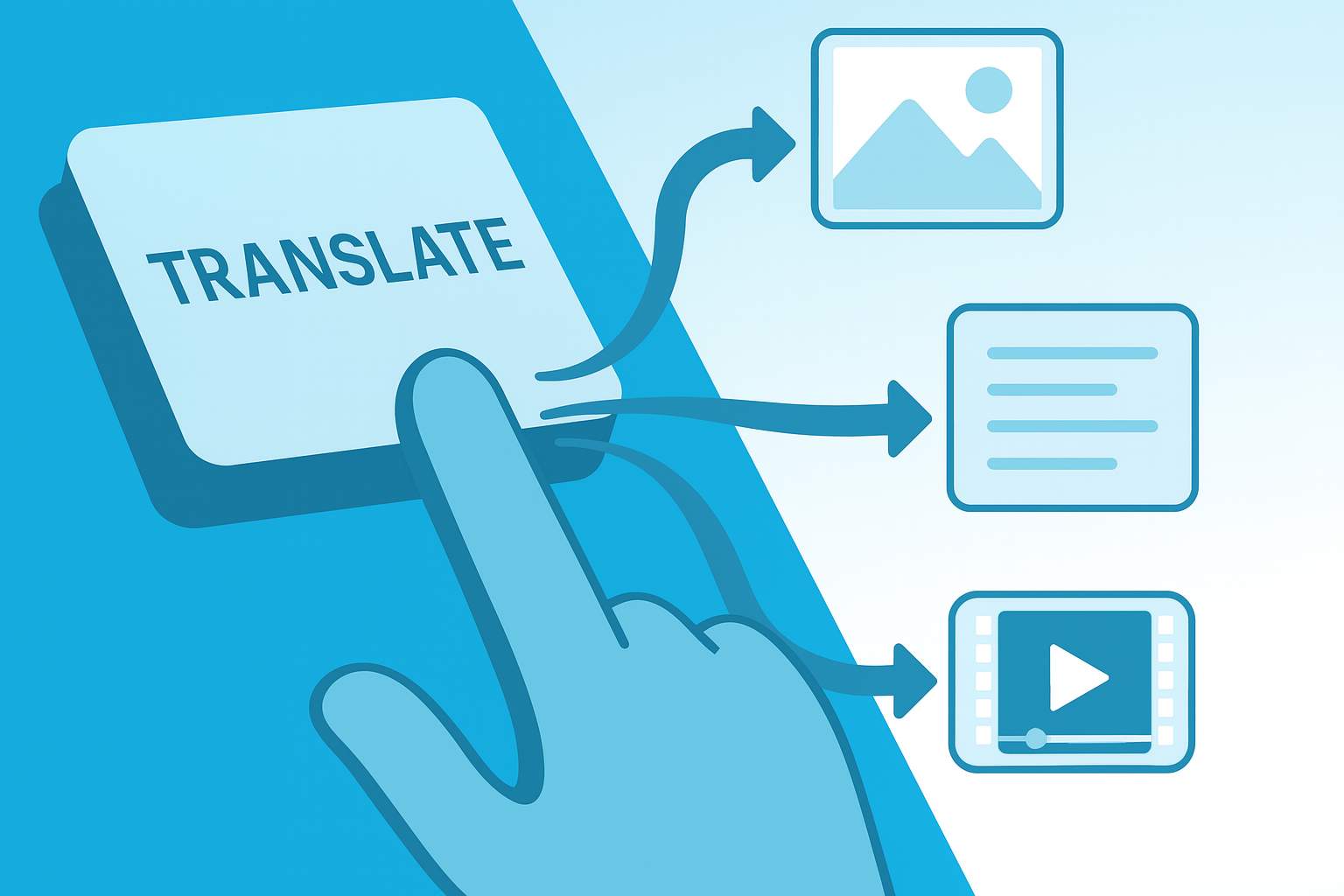
The basic principle is simple: you click on “Translate” in the course and the content is translated automatically. This works quickly for text in the editor and is a useful starting point.
However, what many people only realize later is that the result is a rough translation, not a language version that is ready for publication. The difference is what comes next:
- Review in context (does it really fit?)
- Ensuring consistency in terminology and tone
- Revision in the media mix (UI, subtitles, optional audio)
- Carefully checking updates and changes
Why machine translation without review is not stable
The most important question is not “Does it translate?” but rather: Which parts of my course are included in the translation scope?
1) Context is missing, reducing accuracy
Machines often make decisions that are “somehow plausible.” This is not sufficient in training content. A sentence may sound correct but still be technically incorrect or mean something else in context.
2) Consistency does not happen automatically
A classic example: the same term appears several times in the course and appears in several variations. This quickly comes across as unprofessional and can confuse learners.
3) Terminology becomes a gamble without control
Without a glossary and clear guidelines, the machine decides for itself. This is particularly critical for product terms, UI texts, roles, process names, or terms that are deliberately standardized within the company.
4) Tone varies
In German, for example, mixed forms of “Sie” and “du” can arise if tonality is not consistently specified and checked. In e-learning, this is not a minor detail, but part of the brand image.
Why reviewing in Articulate Localization can be more challenging than anticipated
In classic CAT tool workflows, features such as repetitions, QA warnings, terminology highlights, and change comparisons are helpful. In Articulate Localization, teams often have limited or no access to this assistance.
The consequence:
- Reviewers have to find many things “on sight.”
- Inconsistencies are not automatically flagged
- Changes after updates are more difficult to isolate
- Terminology checking quickly becomes manual and error-prone
This is feasible, but it must be planned, otherwise it will be more expensive than anticipated.
The media mix remains the risk driver
Even if the text is translated correctly, much of the content is not available as “pure editor text.” Typical examples:
Text in images
Screenshots and graphics
PDFs
Summaries of learning content
Videos
On-screen text
Storyline
Storyline integrations in Rise
This means that the reviewer must know where language is still present and how it is checked.
Mini checklist:
How to plan the review realistically (and avoid chaos)
Before translating
- Define terminology (glossary, preferred variants, taboos)
- Define tone (formal or informal)
- Clarify responsibilities: Who approves which language?
During review
- Check consistency (terms, UI strings, recurring phrases)
- Check context (technically correct, didactically understandable)
- Check media mix (subtitles, screenshots, video on-screen text)
- Check layout (overflows, truncated buttons, line breaks)
After updates
- Clearly define: What has been changed, what needs to be rechecked?
- Schedule a regression check instead of assuming “it’ll be fine.”
Practical principle: Machine starts, human makes it release-ready
Machine translation can greatly accelerate the first step. That is the benefit. However, quality only comes into play when a human in the target language approves the translation and when technical QA ensures that the layout, media, and interactions are correct.
If you plan carefully, you can use Articulate Localization very effectively. If you don’t plan, you buy speed and pay the price later in rework.
Related posts in this series
Introduction: Articulate Localization in a reality check 
Post 1: What one-click translates and what it doesn’t
Post 3: Technical limitations (media mix, updates, layout, storyline) ↗
Post 4: Ensuring terminology and consistency
Post 5: Realistic cost planning (where the effort really lies)
Conclusion: A brief summary overview
FAQ
Frequently asked questions about MT and review in Articulate Localization
Here you will find answers to the most frequently asked questions about our Articulate Localization service. We have compiled the most important information for you. If you have any further questions, please do not hesitate to contact us directly.
Is it sufficient to briefly check the machine translation and then publish it?
Only in very simple cases: text-heavy courses, low risk, clear language, limited media mix. As soon as terminology, tone, screenshots, PDFs, videos, or storyline interactions come into play, a quick glance is no longer sufficient. In such cases, a structured review and technical check are required.
Who should do the review?
Ideally, native speakers of the target language who understand both the language and the technical context. Internal subject matter experts can review content, but are rarely equipped to ensure consistent language, terminology, and stylistic quality. In practice, it works best when technical review and linguistic review are clearly separated but work together seamlessly.
Why do inconsistencies arise even though the machine "always translates the same way"?
Because Articulate Localization does not work like a classic translation memory workflow in practice. Without translation memory and without QA notes, the same wording in the course is quickly translated into variants. This is particularly noticeable in recurring UI texts, call-to-actions, role terms, and process descriptions.
Does a glossary completely solve the problem?
A glossary helps enormously, but it is not autopilot. It reduces terminology chaos and gives the review clear guidelines. Nevertheless, questions of context, tone, sentence logic, and didactic comprehensibility remain tasks for human reviewers. In addition, glossary changes must be neatly versioned and consciously followed up in the review.
What is the most common mistake made during updates?
That changes are not properly documented and reviewers do not know what really needs to be rechecked. Then either too little is checked (risk) or everything is checked again (time-consuming). You have to plan in advance how changes will be marked and how the regression check will run.
Does in-context review replace traditional QA tools?
Not entirely. In-context review is a major advantage because you can see the output in the course. What is often missing are automated QA notes such as terminology warnings, repetition logic, and change comparison. That’s why additional processes or complementary tools are needed to ensure that review does not run “on sight.”
15 minutes of clarity instead of project surprises
If you want to use Articulate Localization (or already do) and want to know whether One-Click really saves time in your setup, let’s take a quick look at it together:
- Course structure (Rise, Storyline, Blends)
- Media mix (UI, subtitles, optional audio)
- Languages, update frequency
- Review and approval process

TRANSLATION
“Made in Germany” from Baden-Württemberg stands for quality worldwide, and we are committed to upholding this reputation. A high-quality translation should be easy to read, easy to understand, and indistinguishable from an original text in the target language. That is our standard.
