Articulate Localization
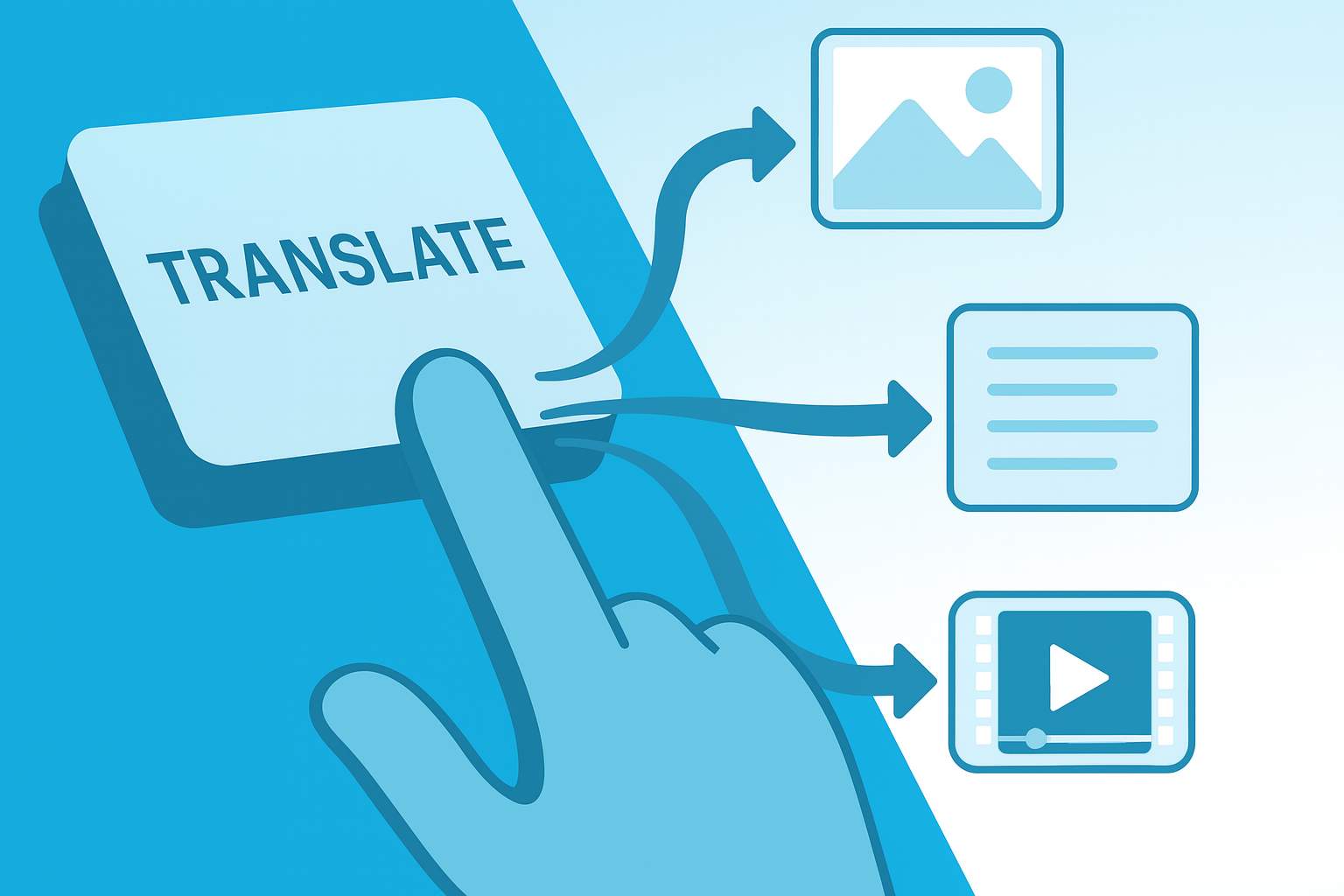
One-click vs. reality.
What really remains after the click.
This article provides a reality check that will help you plan your workload and risks carefully before One-Click turns into “ten hours of rework” in your project.
It explains what Articulate Localization’s One-Click translation covers and what it does not cover.
In short: One-Click is a quick starting point for text. A course only becomes release-ready after review, terminology, and technical rework, especially in the media mix.
Definition: In Articulate Localization, “One-Click” creates an initial machine-translation draft inside Rise/Storyline. Release-ready output still requires linguistic review, terminology checks, and technical QA.
This is Post 1 of 5 on our deep-dive series on Articulate Localization in Storyline and Rise. Click on the button to go back to the overview.
What "One-Click" Really Means in Articulate Localization
Articulate Localization translates content directly in Articulate 360, without any export-import cycles. This is convenient because it allows you to:
- get a first language version faster,
- can more easily transfer changes in the original to other languages,
- organize reviews in context (e.g., via Review 360).
However, in many cases, clicking generates a rough draft. And a rough draft is not yet a course that you can publish with a clear conscience.
What gets translated automatically and what gets left out?
The most important question is not “Does it translate?” but rather: Which parts of my course are included in the translation scope?
In practice, One-Click works well for
- text in the course editor (e.g., paragraphs, headings, lesson titles)
- Navigation and standard UI texts within the tool
- simple, text-heavy courses without many special cases
Typical gaps that cause work after clicking
- Images with text (screenshots, infographics, UI illustrations)
- Embedded PDFs and documents
- Videos with on-screen text (pop-ups, labels, captions in the image)
- Storyline blocks in Rise (interactive embeds are their own ecosystem)
- Layout sequences due to text lengths: truncated buttons, breaks, overflows
- Timing and media logic: subtitle lengths, cue points, audio variants
So if the course is more than just text, one-click is not the end point, but the starting point.
The most common misconception:
"The translation is finished."
Projects rarely fail because the machine cannot find words. The bottleneck is almost always:
1. Quality assurance (linguistic)
- Context errors
- Style and tone inconsistencies
- Inconsistent terminology, especially without a clean glossary setup
2. Rework (technical)
- Layout adjustments (DTP)
- Replace media assets (graphics, screenshots, video elements)
- Check interactions and special cases (storyline, triggers, variables, UI)
This is not a “tool problem.” This is the reality of e-learning production.
Mini checklist:
What you should definitely check after clicking
If you want to use the One-Click, you must plan for these checks:
Linguistic QA
- Terminology: Are technical terms and product names correct?
- Tone: consistent (formal/informal), appropriate for the target audience
- Comprehensibility: is the content in the target language really usable?
Technical QA
- Overflows and breaks: buttons, captions, tables, labels
- Media mix: subtitles, audio, video on-screen text, graphics
- Interactions: Click paths, triggers, variables, states
- Regression after updates: has anything been “retranslated” and old corrections overwritten?
If you don’t plan for this, you save minutes at the beginning and pay for it in days at the end.
Practical example from projects:
When terminology is more than just a glossary
A typical pain point in training projects: different terminology from multiple software programs in one course.
“AI plus quick visual inspection” is not enough, because you have to decide for each screen which term is really meant in this context (register, UI reference, product module, user role).
One-Click delivers the draft. Quality is created in context.
For whom does One-Click work really well, and for whom does it not?
One-Click is often useful when:
- courses are text-heavy,
- you need a first draft quickly (e.g., for internal coordination),
- you have a clear review process.
One-Click becomes risky when:
- there is a lot of media content (video, audio, subtitles, graphics),
- the content is brand- or security-critical,
- multiple languages are maintained in parallel, and updates are frequent.
Related posts in this series
Introduction: Articulate Localization in a reality check 
Post 2: Machine translation vs. human review
Post 3: Technical limitations (media mix, updates, layout, storyline) ↗
Post 4: Ensuring terminology and consistency
Post 5: Realistic cost planning (where the effort really lies)
Conclusion: A brief summary overview
FAQ
Frequently asked questions about Articulate Localization
Here you will find answers to the most frequently asked questions about our Articulate Localization service. We have compiled the most important information for you. If you have any further questions, please do not hesitate to contact us directly.
Does Articulate Localization really translate "everything" in the course?
No. Text in the editor works well. Content such as images with text, embedded PDFs, media elements, and certain interactive special cases create additional work in practice.
Is a brief internal review after one-click sufficient?
For simple courses, sometimes. As soon as terminology, tone, media, and updates become relevant, you need a fixed QA process for each target language, otherwise it becomes expensive or risky.
What is the biggest mistake in one-click projects?
That teams only calculate translation and do not plan review, technical reworking, and update handling as real project work.
15 minutes of clarity instead of project surprises
If you want to use Articulate Localization (or already do) and want to know whether One-Click really saves time in your setup, let’s take a quick look at it together:
- Course structure (Rise, Storyline, Blends)
- Media mix (UI, subtitles, optional audio)
- Languages, update frequency
- Review and approval process

TRANSLATION
“Made in Germany” from Baden-Württemberg stands for quality worldwide, and we are committed to upholding this reputation. A high-quality translation should be easy to read, easy to understand, and indistinguishable from an original text in the target language. That is our standard.
